Plain-English user journeys
Stories like "Sarah books a nanny" not "POST /bookings". CEO-readable user flows with numbered steps and decision points clearly labelled.
VizRepo turns your codebase into plain-English user journeys, visual flowcharts, and searchable docs - so product and business teams can self-serve.
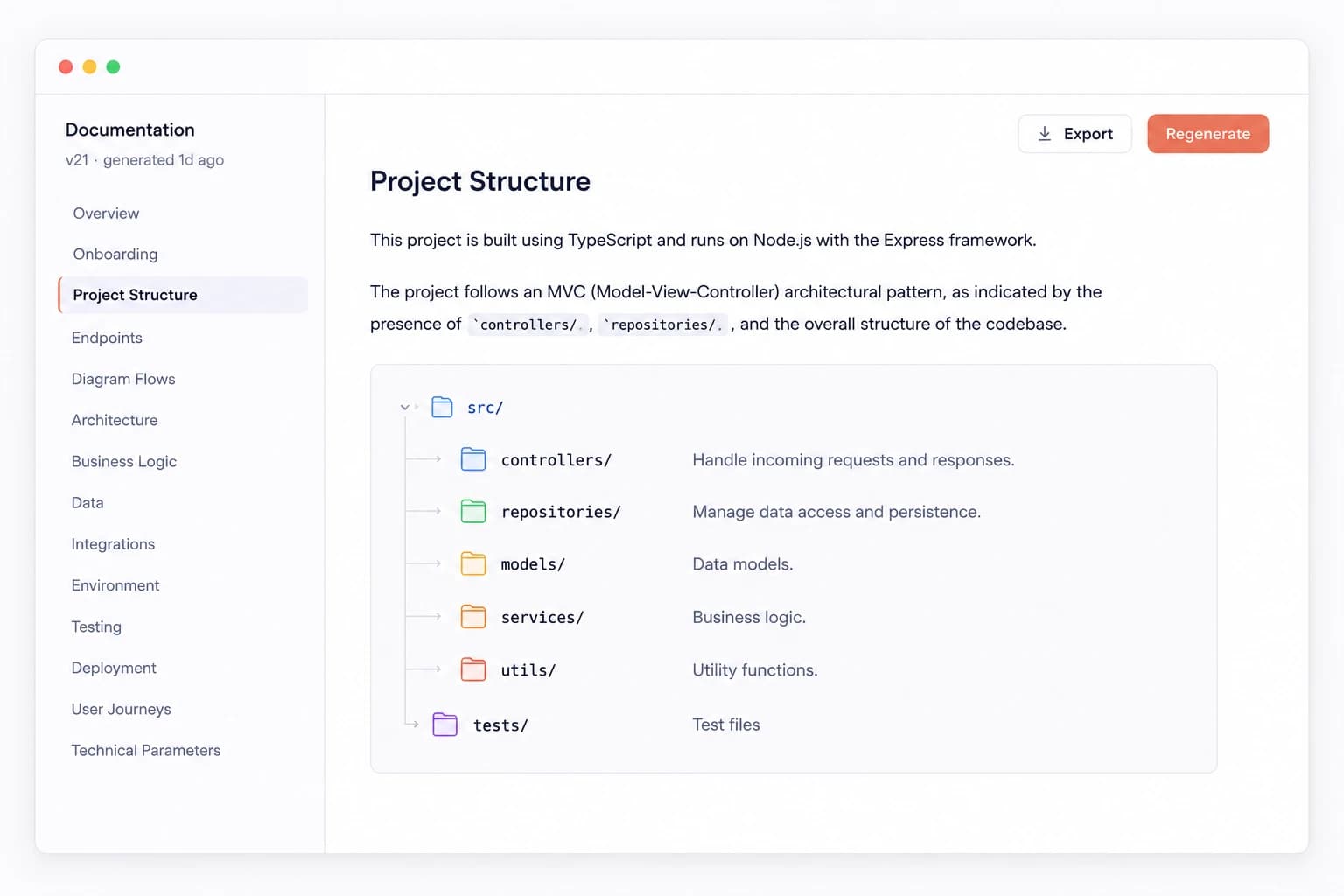
No more waiting on developers to explain how things work. Browse, search, and validate any flow yourself.
Stories like "Sarah books a nanny" not "POST /bookings". CEO-readable user flows with numbered steps and decision points clearly labelled.
Check that what’s in the code matches business requirements before launch. Spot missing edge cases before they reach production.
Use auto-generated flowcharts for reviews and audit trails. Always up to date, always exportable, always accurate.
Browse, search, and ask AI questions about any flow — ever. Natural language search across your entire codebase documentation.
Your engineering team connects the repo once. After that, everything is self-service for product and business.
A one-time setup. Paste the repo URL, authenticate, and VizRepo scans the codebase automatically. Works with GitHub, GitLab, Azure DevOps, Bitbucket, and more.
Endpoint maps, flowcharts, user journeys in plain English, and full technical docs. All generated by AI in seconds, not weeks.
Open any flow, read it in plain English, view the diagram, or ask the AI a question. No developer needed. Syncs to Confluence, Notion, and Azure Wiki automatically.
Instead of asking “how does checkout work?” your team opens VizRepo and reads it themselves.
Sarah books a nanny
“What happens when a refund is requested?”
When a refund is requested, the system checks whether the booking is within the 24-hour cancellation window. If yes, a full refund is issued via the payment gateway. If outside the window, a 50% fee is deducted. The nanny is notified and the slot is released back into inventory.
“Our product manager can now answer ‘how does the refund flow work?’ without filing a Jira ticket. That alone justified the cost.”
“We hooked up the Confluence sync and now our wiki is always current. Nobody has to manually update docs after a release anymore.”
No more Jira tickets to ask how something works. No more outdated wikis. No more waiting on engineering. Start in under 5 minutes.